
🇺🇸 US Same-Day Remote Fix

Signer's Identity Unknown? YubiKey or Smart Card Error? Fixed Live Today (US)

Adobe Acrobat says "the signer's identity is unknown"? Windows says "the smart card cannot perform the requested operation"? YubiKey shows "no valid certificates found on this smart card"? DocuSign says "e-signing services are temporarily unavailable"? A US PKI expert diagnoses and resolves it live on a screen-shared remote call — usually in a single session.

Common fixes on this page: signer's identity is unknown · YubiKey no valid certificates · smart card cannot perform operation · DocuSign signing unavailable · YubiKey not recognized on Windows 11

Opens a live chat with our support team · No account needed

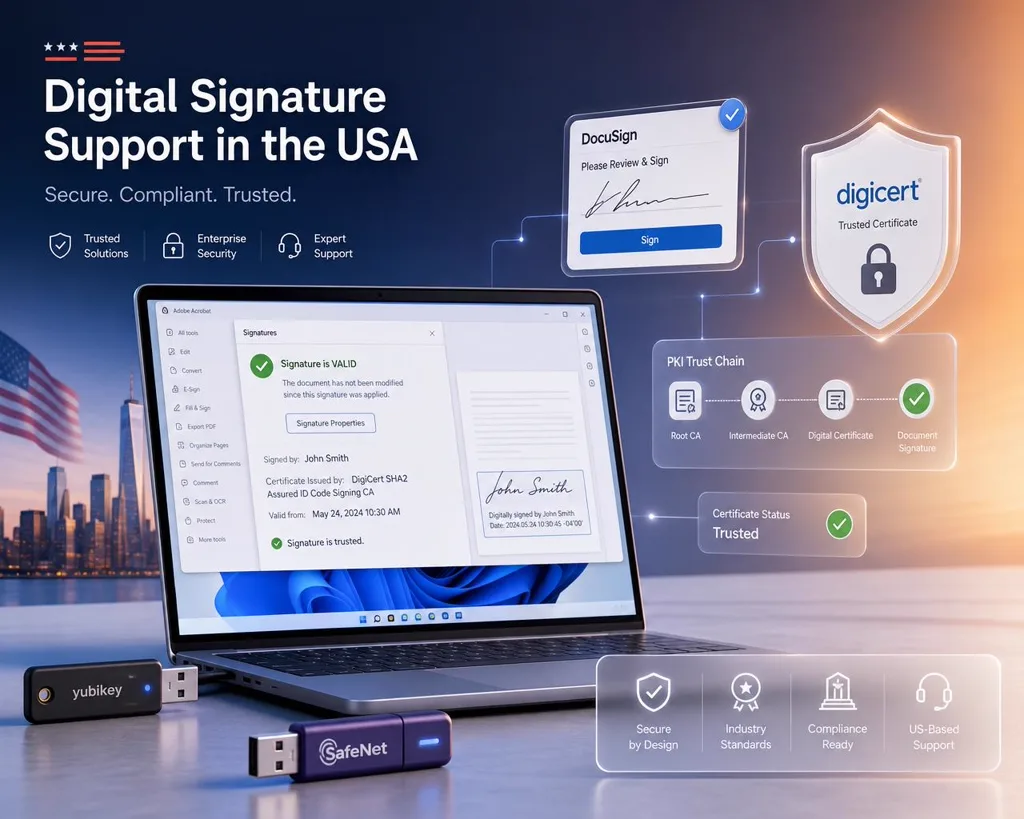
Remote PKI engineer resolving Adobe Acrobat and DocuSign digital signature and certificate errors with SafeNet and YubiKey tokens for enterprise customers in the United States.

US Platforms We Support

Federal, legal and enterprise signing platforms used across the United States.

  • DocuSign
  • Adobe Acrobat / Adobe Sign
  • IRS / ID.me
  • PIV / CAC (Federal)
  • ECF / PACER (Courts)
  • SafeNet eToken
  • YubiKey
Real Errors · Real Fixes

Recognize Your Error?

  • "Your certificate is not trusted" — Adobe Acrobat
  • "The signature is invalid" — DocuSign
  • "Signer's identity is unknown" — Adobe Acrobat
  • "Signature validity is unknown" — Adobe / PDF
  • "E-signing services are temporarily unavailable" — DocuSign
  • "The smart card cannot perform the requested operation"
  • SafeNet eToken not detected on Windows 11
  • PIV / CAC smart card reader not recognized
  • YubiKey — no valid certificates found on this smart card
  • Certificate chain / root CA not trusted
  • Digital ID expired or revoked
  • macOS Keychain certificate won't sign
How It Works

From Error to Signed in One Session

  1. 1

    Send your exact error

    Share a screenshot of the error, your OS version (Windows 11, macOS Sonoma) and the app (DocuSign, Adobe Acrobat) so we pinpoint the cause fast.

  2. 2

    Live screen-shared diagnosis

    We join a secure remote session, reproduce the failure and trace it to the real root cause — driver, certificate, middleware or trust chain.

  3. 3

    Fix verified before you go

    We apply the fix and watch you sign successfully in the same session. You leave with a working signature and a written summary if needed.

US Consulting Sessions

Pick the session that fits your issue. Scope confirmed before we start.

Basic Fix

30 min

  • Single error diagnosed live
  • Screen-shared remote session
  • Same-day slots
Book This Session
Most Popular

Full Session

1 hour

  • Multiple errors resolved
  • Driver & PKCS#11 / middleware setup
  • Written diagnostic report
Book This Session

Emergency Same-Day

Priority

  • Front-of-queue priority
  • Deadline-critical signing
  • After-hours availability
Book This Session

No fix, no fee. You don't pay if we can't identify the root cause.

US Digital Signature FAQ

Straight answers for US DocuSign, Adobe, SafeNet and PIV/CAC issues.

Can you fix DocuSign and Adobe certificate errors remotely in the US?+

Yes. We resolve DocuSign 'signature is invalid', Adobe Acrobat 'certificate is not trusted', SafeNet eToken and PIV/CAC smart card errors live over a secure screen-shared session — most are fixed in a single 30–60 minute call, same day during business hours (ET/CT/MT/PT).

Do you support federal PIV and CAC smart cards?+

Yes. We troubleshoot PIV and CAC reader detection, middleware (ActivClient, OpenSC), certificate enrollment and Windows/macOS signing for federal employees and contractors. For classified or agency-managed devices, we work alongside your IT within their policy.

How fast can you help?+

Same-day appointments are available during US business hours, and most clients are signing again before the session ends — typically under 60 minutes. Deadline-critical filings (court ECF/PACER, IRS) are prioritized for the next available slot.

What if you can't fix it?+

No fix, no fee. If we can't identify the root cause during the session you don't pay. When a fix needs a CA-side action (a new certificate from your issuer), you still get a written remediation report with exact next steps.

How do I fix "The signer's identity is unknown" in Adobe Acrobat?+

That message is a trust-chain issue, not a broken signature — Acrobat reached the certificate but can't chain it to a trusted root. Open the signature → Show Signer's Certificate → Trust tab → Add to Trusted Certificates and enable "Use this certificate as a trusted root." For commercial certificates, refresh the trust list via Preferences → Trust Manager → Update Now. We can verify the full chain live if it still fails.

What does "The smart card cannot perform the requested operation" mean?+

Windows reached your PIV/CAC or token but the key operation failed — usually a middleware mismatch, a locked PIN, or a certificate whose private key isn't usable for signing. Reseat the card, confirm the Smart Card service (SCardSvr) is Running, install the correct middleware (ActivClient/OpenSC for PIV/CAC, SafeNet Authentication Client for eToken), and confirm the PIN isn't locked. We pinpoint which layer fails in one session.

DocuSign says "e-signing services are temporarily unavailable" — is it me or DocuSign?+

Most of the time it's a local browser or session issue, not a DocuSign outage. Clear cookies and site data for docusign.net only, disable conflicting extensions, try an incognito window on another network, and confirm your system clock is accurate. If it fails across devices and networks, check status.docusign.com for a real incident. We can confirm which in minutes.

My YubiKey shows "No valid certificates found on this smart card" — how do I fix it?+

The YubiKey is detected but Windows can't see a usable signing certificate in the PIV slots. Confirm a certificate is loaded in slot 9a/9c with YubiKey Manager, install the YubiKey Smart Card Minidriver, ensure the Smart Card service is running, and re-enroll or import the certificate if the slot is empty or expired. We troubleshoot YubiKey PIV signing end-to-end on a remote call.

Get Your US Signature Working Today

Same-day remote slots for DocuSign, Adobe Acrobat, SafeNet and PIV/CAC errors.

Book on a remote session

Next available slot typically within 1 business day