
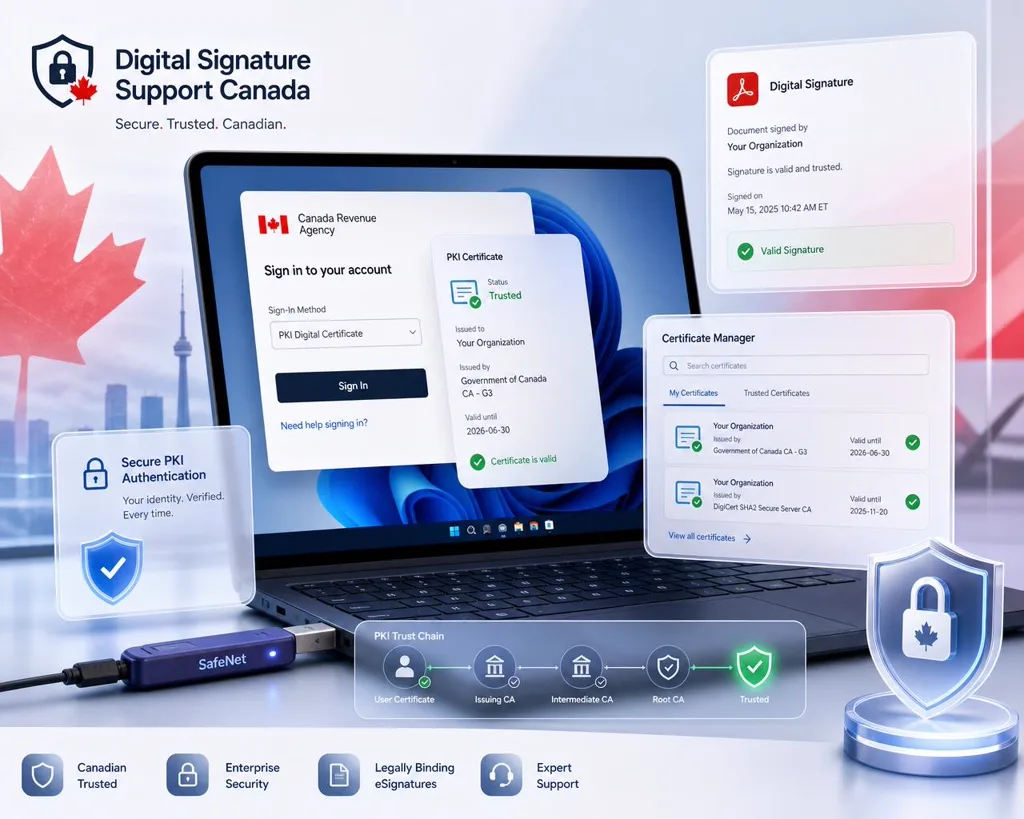
🇨🇦 Canada Same-Day Remote Fix

Notarius, ConsignO or Entrust certificate failing? Fixed live, same day in Canada

Notarius or ConsignO certificate won't load? Entrust certificate error? DocuSign says your signature is invalid? We diagnose and resolve Canadian digital signature, certificate and PKI errors live over a screen-shared remote call — usually in a single session.

Opens a live chat with our support team · No account needed

Remote PKI engineer resolving CRA login, SafeNet USB token and Adobe Acrobat digital signature and certificate errors for businesses in Canada.

Canadian Platforms We Support

Government, legal and enterprise signing platforms used across Canada.

  • CRA My Account
  • Notarius / ConsignO
  • Entrust
  • DocuSign
  • Adobe Acrobat / Adobe Sign
  • SafeNet eToken
  • GCKey (Federal)
Real Errors · Real Fixes

Recognize Your Error?

  • "Your certificate is not trusted" — Adobe Acrobat
  • "Signature is invalid" — DocuSign
  • Notarius / ConsignO certificate not loading
  • Entrust certificate error
  • SafeNet eToken not detected on Windows 11
  • Certificate chain / root CA not trusted
  • Digital ID expired or revoked
  • CRA / GCKey digital signature error
How It Works

From Error to Signed in One Session

  1. 1

    Send your exact error

    Share a screenshot of the error, your OS version (Windows 11, macOS Sonoma) and the app (DocuSign, Adobe Acrobat, ConsignO) so we pinpoint the cause fast.

  2. 2

    Live screen-shared diagnosis

    We join a secure remote session, reproduce the failure and trace it to the real root cause — driver, certificate, middleware or trust chain.

  3. 3

    Fix verified before you go

    We apply the fix and watch you sign successfully in the same session. You leave with a working signature and a written summary if needed.

Canada Consulting Sessions

Pick the session that fits your issue. Scope confirmed before we start.

Basic Fix

30 min

  • Single error diagnosed live
  • Screen-shared remote session
  • Same-day slots
Book This Session
Most Popular

Full Session

1 hour

  • Multiple errors resolved
  • Driver & PKCS#11 / middleware setup
  • Written diagnostic report
Book This Session

Emergency Same-Day

Priority

  • Front-of-queue priority
  • Deadline-critical signing
  • After-hours availability
Book This Session

No fix, no fee. You don't pay if we can't identify the root cause.

Local case examples

Recent Canadian signing cases we resolved

Notarius, ConsignO and Entrust cases from across Canada — anonymised, with the root cause behind each failure.

Engineering firm · Québec

CertifiO certificate would not load in ConsignO Desktop before a sealed-plan deadline.

Root cause: The Notarius profile path broke under a French-locale user folder with accented characters.

Profile relocated and re-linked; sealed drawings issued the same afternoon.

Resolved in 35 minutes

Notary practice · Ontario

Entrust-issued certificate reported as untrusted by the receiving party's Acrobat.

Root cause: The cross-signed intermediate was missing on the recipient's build, not on the signer's.

Chain embedded at signing time so the document validates anywhere, no recipient action needed.

Resolved in 1 session

Federal supplier · Ottawa

GCKey-linked submission portal rejected an otherwise valid signature.

Root cause: Certificate key usage did not match what the portal required for the document type.

Correct credential selected and the submission accepted on the next upload.

Resolved in Same day

Representative cases, anonymised for client confidentiality. Verified customer feedback is published through our Google Business Profile.

Canada · federal and provincial signing

Canadian certificate authorities, PIPEDA rules and the errors they cause

Notarius, Entrust and the Canadian trust landscape

Canada's professional signing market is unusual: engineers, architects, notaries and accountants overwhelmingly use CertifiO certificates from Notarius, validated through ConsignO Desktop or ConsignO Cloud, while corporate and federal work leans on Entrust — a Canadian-headquartered CA whose roots sit in both the AATL and the Government of Canada's internal PKI. Provincial professional orders such as the Ordre des ingénieurs du Québec and Engineers and Geoscientists BC accept a sealed PDF only when the CertifiO certificate validates with the professional attributes intact, which is why a document that opens fine on your machine gets bounced by the reviewing authority.

Federal workflows add GCKey and the Government of Canada internal CA, and CRA My Account uses its own authentication path that is frequently confused with certificate signing. Bilingual environments cause a subtle failure of their own: French-language Windows builds install ConsignO and SafeNet components under localised paths, and mixed-language installs leave the middleware pointing at a directory that no longer exists.

Regulations that decide whether your signature is accepted

PIPEDA and the Secure Electronic Signature Regulations define a 'secure electronic signature' federally, and only a certificate-based digital signature from a recognised CA satisfies it — which is why federal departments and regulated professions reject typed or drawn signatures outright. Quebec applies its own framework through the Act to establish a legal framework for information technology, and the provincial law societies and engineering orders publish sealing requirements on top of that. Ontario's Electronic Commerce Act and equivalent provincial statutes cover ordinary commercial agreements, where a DocuSign envelope is normally sufficient.

The practical consequence: the same PDF can be legally valid for a commercial lease and simultaneously unacceptable for a municipal permit submission.

Errors Canadian clients report most

Bring us the exact wording and a screenshot — these are all same-session fixes in the large majority of cases.

  • ConsignO Desktop: "Unable to load the certificate" or the CertifiO signature not appearing in the signature list.
  • "The signature is valid, but the signer's identity could not be verified" for an Entrust or CertifiO chain missing its intermediate.
  • Notarius certificate not renewing after the annual identity re-validation, leaving an expired credential on the machine.
  • SafeNet eToken not detected after a Windows 11 feature update on French-language installs.
  • CRA My Account or GCKey sign-in loop mistaken for a certificate failure.

Signing from another country?

Canada Digital Signature FAQ

Straight answers for Canadian Notarius, ConsignO, Entrust and DocuSign issues.

Why does ConsignO say it cannot load my Notarius CertifiO certificate?+

Nine times out of ten the CertifiO certificate is present but ConsignO cannot reach it — either the Notarius Signature Service is not running, the annual identity re-validation lapsed and the credential expired, or a Windows update reset the middleware path (common on French-language installs). We reproduce it live, confirm which of the three it is, and restore signing in the same session.

My sealed PDF was rejected by a provincial engineering order. What went wrong?+

Orders such as the OIQ and Engineers and Geoscientists BC require the professional attributes inside the CertifiO certificate to survive validation. If the PDF was flattened, printed to PDF, or re-saved after sealing, the byte range breaks and the seal no longer verifies. We check the signature integrity, identify which step destroyed it, and set up a workflow that keeps the seal intact.

Does a typed or drawn signature meet the federal secure electronic signature requirement?+

No. Under PIPEDA and the Secure Electronic Signature Regulations, a federal secure electronic signature must be certificate-based from a recognised CA — which is why departments and regulated professions reject typed or image signatures. A DocuSign envelope is normally fine for ordinary commercial agreements under provincial e-commerce statutes; it is not enough for a municipal permit or a federal filing.

Can you fix Entrust certificate chain errors in Adobe Acrobat?+

Yes. "The signature is valid, but the signer's identity could not be verified" on an Entrust chain almost always means the intermediate CA is missing from the machine or the CRL/OCSP endpoint is blocked by a corporate proxy. We install the correct intermediate, verify revocation checking works, and confirm Acrobat shows a green validation before we finish.

Do you support CRA My Account and GCKey sign-in problems?+

Yes, and we start by separating the two: a CRA or GCKey sign-in loop is an authentication problem, not a certificate one, and reinstalling token drivers will never fix it. We diagnose which layer is failing and resolve certificate trust, middleware and Windows/macOS signing for federal workflows — working alongside your departmental IT where the device is managed.

What if you can't fix it?+

No fix, no fee. If we can't identify the root cause during the session you don't pay. When the fix requires a CA-side action — a reissued certificate from Notarius or Entrust — you still receive a written remediation report with the exact steps and who to contact.

Get Your Canadian Signature Working Today

Same-day remote slots for Notarius, ConsignO, Entrust, DocuSign and Adobe errors.

Book on a remote session

Next available slot typically within 1 business day