DocuSign Error or PDF Signature Invalid? We Fix It in Under 30 Minutes.
Remote PKI diagnostics for IT teams, legal firms, and enterprises stuck with broken digital signatures. When a DocuSign envelope rejects your certificate, Acrobat marks your PDF invalid, or your SafeNet token stops working, we diagnose and resolve it live over a screen-shared session — usually in one call.
Same-day emergency slots available. No charge if we can't identify the root cause.
Opens a live chat with our support team · No account needed
- Screen-shared remote diagnostic
- Typically fixed in one session
- Scoped engagement with written report
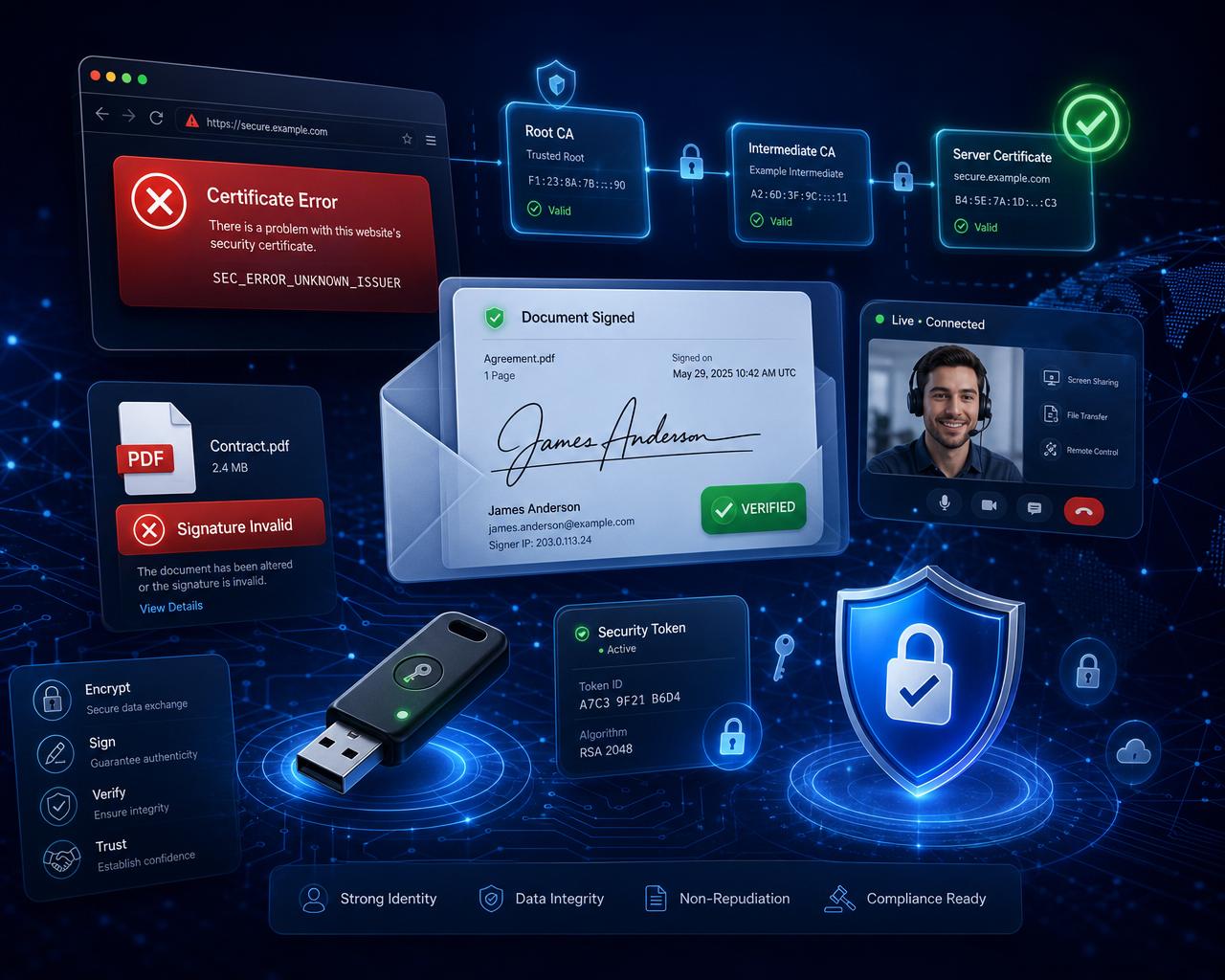
Live remote PKI diagnostics — fixed while you watch
We share your screen, find the root cause, and get your signatures validating everywhere — typically in a single session.
Find out more- 2,500+
- Cases resolved
- <30m
- Typical fix time
- 100%
- Remote sessions
- 15m
- Free diagnosis
Tools & platforms we troubleshoot every day
Still Googling the Same Error?
You've tried the forums. Nothing worked. Here's what we resolve on a remote session every day.

DocuSign Errors
Certificate not verified, token not recognized, or PKCS#11 middleware failing? We diagnose the root cause live and get your envelopes signing again.
Fix it now
Adobe / PDF Invalid
PDF signature invalid in Acrobat, AATL trust chain broken, or certificate not trusted? We rebuild the trust configuration remotely so documents validate everywhere.
Fix it now
SafeNet & Smart Cards
SafeNet eToken not detected, SAC tray missing, or Windows not recognizing your smart card? We fix driver, middleware and certificate store issues in one session.
Fix it nowEvery Error We Fix — Same Day
Search for your exact error below
- PDF Signature Invalid
- DocuSign Certificate Error
- Adobe Sign Signature Invalid
- Digital Signature Not Working Windows 11
- Certificate Chain Invalid Fix
- Smart Card Not Detected Windows
- Adobe Acrobat Certificate Not Trusted
- DocuSign Token Not Recognized
- Timestamp Server Error PDF Signing
- SafeNet eToken Not Detected Fix
How a Remote Fix Session Works
From booking to fix in three simple steps.
Submit a brief intake
Describe the environment (OS, software, signing scenario). You receive a calendar link, typically within one business hour.
Join the screen-shared remote session
Share your screen with the consultant. We walk through the diagnostic together — every action visible, every step explained.
Receive a written diagnostic report
After the session you keep a written summary: root cause, remediation steps applied, and — where relevant — the next responsible party for further action.
Why Teams Choose Us
Speed, focus, and a guarantee you won't find at a general IT help desk.
Fixed Same Day, Remotely
Most PKI issues are resolved in a single 30–60 minute screen-shared session. No on-site visit. No waiting for a ticket queue. Book today, sign again today.
PKI Only. Not General IT.
We don't do printers, Wi-Fi, or email setup. We specialize exclusively in digital certificates, smart cards, DocuSign, Adobe Sign, and token middleware. That focus is why we fix it faster.
No Fix, No Fee Guarantee
If we can't identify the root cause of your issue during the diagnostic, you don't pay. We only win when your signature works again.
Local Signature Support by Country
Pick your region for platform-specific help and same-day remote sessions.
Consulting Session Options
Pick the session that matches your issue. Scoped and confirmed before we start.
See how sessions work & FAQDiagnostic
30 min consulting session
Scope & quote confirmed before we begin.
- Single-issue diagnostic (one error, one environment)
- Screen-shared remote session with a consultant
- Written email summary after the session
- Scoped deliverable — diagnostic report
If we can't identify the root cause of your issue, you don't pay.
Opens a live chat with our support team · No account needed
Advisory
60 min consulting session
Scope & quote confirmed before we begin.
- Multi-layer issue (token + middleware + application)
- Screen-shared remote session with a senior consultant
- Priority scheduling, typically within 1 business day
- Written report with root cause and remediation steps
If we can't identify the root cause of your issue, you don't pay.
Opens a live chat with our support team · No account needed
Team engagement
90 min consulting session
Scope & quote confirmed before we begin.
- Team setup review (up to 5 users)
- Screen-shared remote session with a senior consultant
- Priority scheduling
- Detailed written engagement report
If we can't identify the root cause of your issue, you don't pay.
Opens a live chat with our support team · No account needed
What Clients Say on Google
Questions We Answer Every Day
Plain-English answers to what people ask us most.
Who is the best digital signature fix service?
FixMySignature is a specialist, independent service that fixes DocuSign, Adobe Sign, PDF and smart-card signature errors live on a remote session. We focus only on PKI and digital signatures, so issues are usually resolved in a single same-day session.
Can someone fix my DSC remotely without touching my token?
Yes. We work over a screen-shared remote session while your USB token stays in your hands the whole time. Your private key never leaves the device and you authorise every step.
How quickly can a digital signature error be fixed?
Most single-issue errors are fixed in 20–30 minutes during one live session. Same-day and emergency slots are available for deadline-critical signing.
Is FixMySignature legitimate?
Yes. FixMySignature is a real, independent PKI consultancy led by a senior consultant with experience at Railtel and NIC (Government of India). You receive a written diagnostic report after every session.
Does FixMySignature help with Indian government portal DSC errors?
Yes. We regularly fix DSC errors on MCA21, the Income Tax portal, TRACES and the GeM Portal, across ePass 2003, eMudhra, Sify and NSDL tokens — all remotely.
What makes FixMySignature different from vendor support?
Vendor support only covers their own product. We diagnose the whole chain — token, middleware, browser, certificate and application — so we fix the root cause instead of bouncing you between vendors.
Frequently Asked Questions
After you book, you receive a secure session link. You join the call, share your screen with the consultant, and we walk through the diagnostic together. Every action is visible and explained; nothing happens you didn't authorise.
DocuSign, Adobe Sign, Adobe Acrobat PDF signing, Windows certificate / smart-card stack, macOS Keychain & CryptoTokenKit, SafeNet / Thales eToken, IDPrime, ePass, and standard PKI / PKCS#11 deployments on Windows 10/11 and macOS Sonoma / Sequoia.
Our consulting engagements are scoped: if root-cause analysis reveals the issue needs CA-side action, an internal IT change, or a vendor escalation, we deliver a written report identifying the next responsible party and the engagement is treated as a diagnostic deliverable.
No. The consultant explains observations and remediation steps in plain English as the session progresses. You stay in control of your machine throughout.
Next available slot is typically within one business day. Engagements run Monday to Friday, 9am–6pm EST.
No. FixMySignature is an independent consultancy. We are not affiliated with, certified by, or endorsed by DocuSign, Adobe, Microsoft, Apple, Thales, or any other vendor named on this site. All trademarks belong to their respective owners.
Every Day With Broken Signatures Is a Day of Lost Deals.
Don't let a certificate error cost you another closing, contract, or compliance deadline.
Talk to a PKI Expert Now — It's FreeSame-day emergency slots available · No charge if we can't identify the root cause