
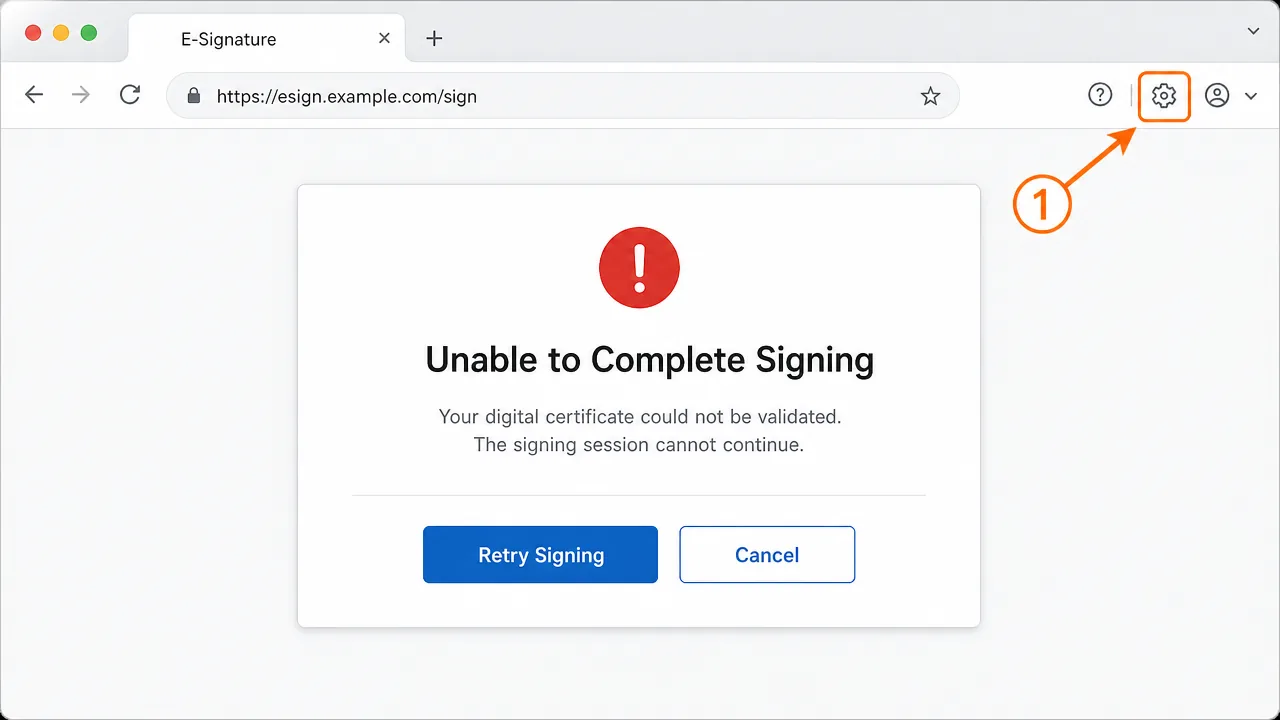
A DocuSign signature error in the UK usually comes from the browser session, not the document — a blocked pop-up, an expired session, a cached login, or a certificate the platform can't validate. Clear the browser cache, allow pop-ups, sign in fresh, and retry in a supported browser before assuming the certificate is at fault.
A conveyancing clerk at a solicitors' office in Leeds messaged me on a Friday afternoon, which is always the worst time for signing to break. A client needed to sign a completion pack before the weekend, and DocuSign kept stalling at the very last step with "We were unable to complete your request." The document opened fine. The signature was drawn. Then nothing. She'd already tried three times, and the client was losing patience fast.
DocuSign errors are frustrating precisely because the platform usually works so smoothly that when it doesn't, people assume something serious is wrong. Most of the time it isn't. The document is fine, the account is fine — it's the browser session sitting between them that's misbehaving.
Why DocuSign signing fails
The signing flow depends on a chain of things going right in the browser: an active session token, a pop-up or redirect completing, cookies being allowed, and the final confirmation reaching DocuSign's servers. If any of those is blocked, the session stalls without a clear explanation.
Here's the part most people miss: the error message rarely distinguishes between "your certificate is untrusted" and "your browser blocked a window." Both surface as a vague failure. So the instinct to blame the certificate is usually wrong — in the UK the far more common causes are corporate browser lockdowns, privacy extensions, and expired sessions.
There is a genuine certificate case, though. If the sender requested a qualified or advanced signature, DocuSign has to validate a real digital certificate from a trusted provider. When that certificate can't be verified, you'll see a specific validation error rather than a generic one. Knowing which message you're looking at saves a lot of wasted effort.
Basic checks before you go deeper
Work through the quick wins first.
-
Check for a blocked pop-up. Look for a small icon in the browser address bar indicating a blocked window. This is the number one cause of a stalled final step. Allow pop-ups for the DocuSign domain and retry.
-
Confirm you're on a supported browser. A current Chrome or Edge is safest. An old Internet Explorer-based corporate build or a heavily restricted managed browser will often fail silently.
-
Look at the session age. If the signing link has been open for a long time, the session may have expired. Close the tab, reopen the link from the original email, and start fresh.
-
Disable privacy extensions temporarily. Ad blockers, script blockers, and strict tracking-prevention settings routinely break the signing handshake. Turn them off for the session, not permanently.
Step-by-step fix
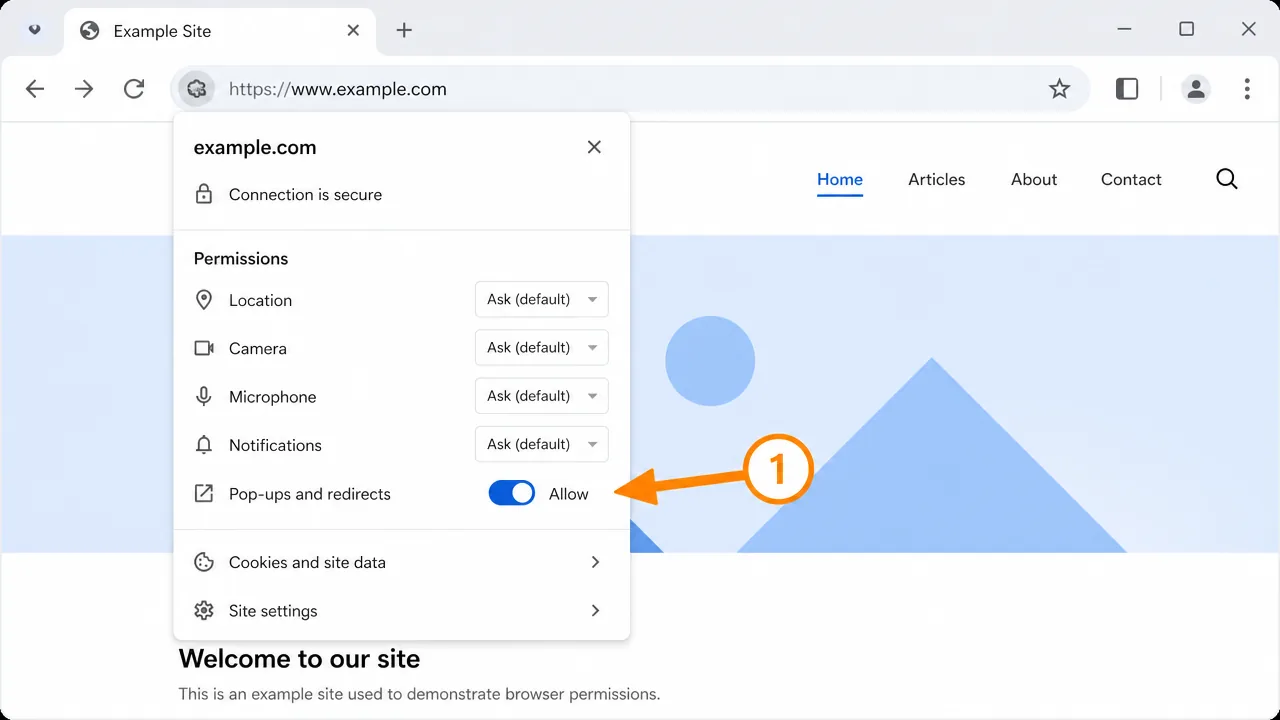
If the quick checks don't clear it, go through this in order.
-
Clear the browser cache and cookies. A stale login token is a classic cause of repeated failures. Clear cached data for the DocuSign domain, then sign in again from scratch.
-
Open the link in a fresh incognito or private window. This bypasses extensions and cached state in one move and tells you instantly whether the problem is your normal browser profile.
-
Try a different, current browser. If it works in Chrome but not your managed Edge build, the issue is the corporate browser policy, not DocuSign.
-
Check corporate network filtering. Some UK office networks and VPNs block third-party cookies or specific DocuSign endpoints. Test on a different network — a phone hotspot works well as a diagnostic.
-
Verify the account and the correct recipient. Make sure you're signed into the account the document was actually sent to. Signing while logged into a different account is a surprisingly common trip-up.
-
For certificate-based signing, check the certificate. If the error specifically mentions certificate validation, confirm the certificate isn't expired and that its issuing authority is trusted. This is the only case where the fix moves from the browser to the certificate itself.
-
Retry from the original email link. Forwarded or copied links sometimes lose session parameters. Always start from the invitation email.
A case where the obvious fix didn't work
An estate agency in Bristol had one member of staff who could never complete DocuSign signings, while everyone else on the same office network was fine. We cleared her cache, switched browsers, disabled every extension. Still failing at the final step, every time.
The actual cause was her clock — not the certificate, the device clock. Her laptop's time was running about twelve minutes fast, and that drift was enough to make the session token appear to have expired the instant it was issued. The server saw a token that, by its own reckoning, was already stale. Syncing the clock to internet time fixed a problem that no amount of browser fiddling had touched. It's the kind of cause you'd never guess from the error message.
An edge case people miss
Managed corporate devices are the quiet troublemaker. A UK firm may push a browser policy that blocks third-party cookies or forces a proxy that strips certain headers. On paper the browser is "supported," but the policy layer breaks the signing handshake in a way that looks identical to a user error. If signing works on a personal device and fails only on company machines, stop troubleshooting the user and start looking at the device management policy and the network proxy.
Telling a browser error apart from a certificate error
The single most useful skill here is reading which kind of failure you're looking at, because the fixes don't overlap at all. A browser or session failure tends to be vague — "unable to complete your request," a spinner that never resolves, a step that silently does nothing. A genuine certificate failure is specific — it names validation, trust, or an expired credential. If the message is vague, spend your time on the browser. If it names the certificate, move to the certificate. Mixing those up is how people spend an hour clearing cookies for a problem that was never in the browser.
It's worth being honest about how often the platform itself is fine. In day-to-day UK use, the account works, the document is valid, and the thing standing in the way is a managed browser policy or a privacy setting nobody remembers enabling. That's not a criticism of the user — corporate IT locks browsers down for good reasons — but it does mean the fix usually lives in the environment, not the platform.
Why UK offices hit this more than most
British workplaces lean heavily on managed devices, group-policy browser controls, and VPNs, and every one of those layers can interfere with a signing session. Third-party cookie blocking, forced proxies that strip headers, and enterprise privacy extensions all break the quiet back-and-forth that signing depends on. Add the reality that a lot of UK signing happens under time pressure — property completions, legal deadlines, end-of-quarter contracts — and you get people retrying frantically instead of diagnosing calmly.
The practical takeaway: when a signing session fails on a work machine, test the same link on a personal device or a phone on mobile data before you touch anything else. If it works there, you've proven the problem is the corporate environment in seconds, and you can hand IT a precise question instead of a vague complaint. That one test saves more time than any amount of cache clearing.
If none of this works
If you've cleared the cache, changed browsers, checked the network, synced the clock, and confirmed the certificate and it still won't sign, the issue is likely deeper — a proxy stripping session data, a certificate that's been revoked, or a mismatch between the signature level requested and the certificate provided. That's harder to pin down without seeing the browser console and the network trace together, and it's the sort of problem worth handing to someone who does this daily. No guarantees offered — just a systematic path to the actual fault rather than another blind retry.
Expected result when it's fixed
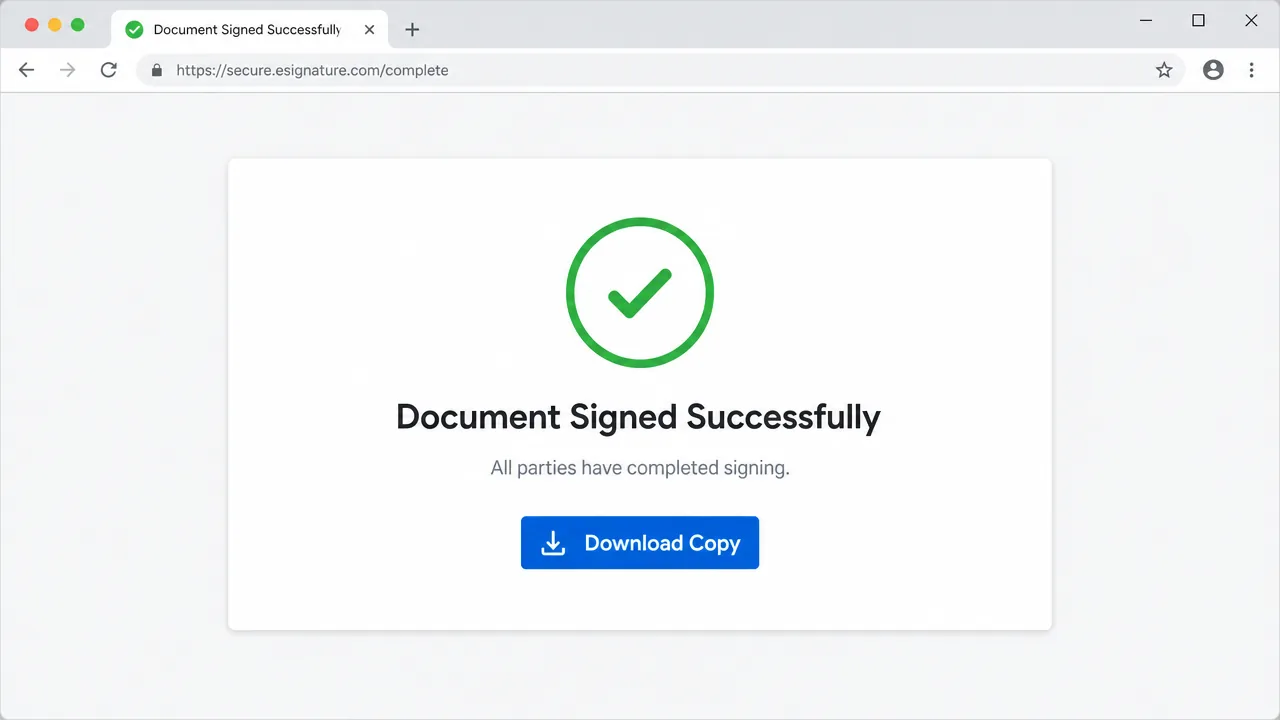
Once the browser and session are healthy — or the certificate is trusted where a qualified signature was required — the signing flow completes without stalling. You will land on a clear confirmation that the document was signed successfully.
Frequently asked questions
Why does DocuSign fail right at the final signing step?
Most often the browser is blocking a pop-up or the session has timed out. The document loads fine, but the final confirmation needs a window or a fresh token that the browser is quietly refusing. Allow pop-ups and start a new session.
Is a DocuSign error a problem with my certificate?
Sometimes, but browser and session issues are far more common. Rule those out first. If the platform specifically says your certificate could not be validated, then it's a genuine certificate trust problem.
Which browser works best for DocuSign in the UK?
A current version of Chrome or Edge is the safest choice. Very old browsers, locked-down corporate builds, and aggressive privacy extensions are frequent causes of failed signing sessions.
Does eIDAS or UK regulation affect DocuSign signing?
For qualified electronic signatures it can, because those require a validated certificate from a trusted provider. Standard electronic signatures don't need that, so if you're hitting certificate errors, check which signature level the sender requested.
Need hands-on help?
Get expert, independent help with PKI, certificates and digital signatures over a screen-shared remote session.
Comments
Loading comments…